



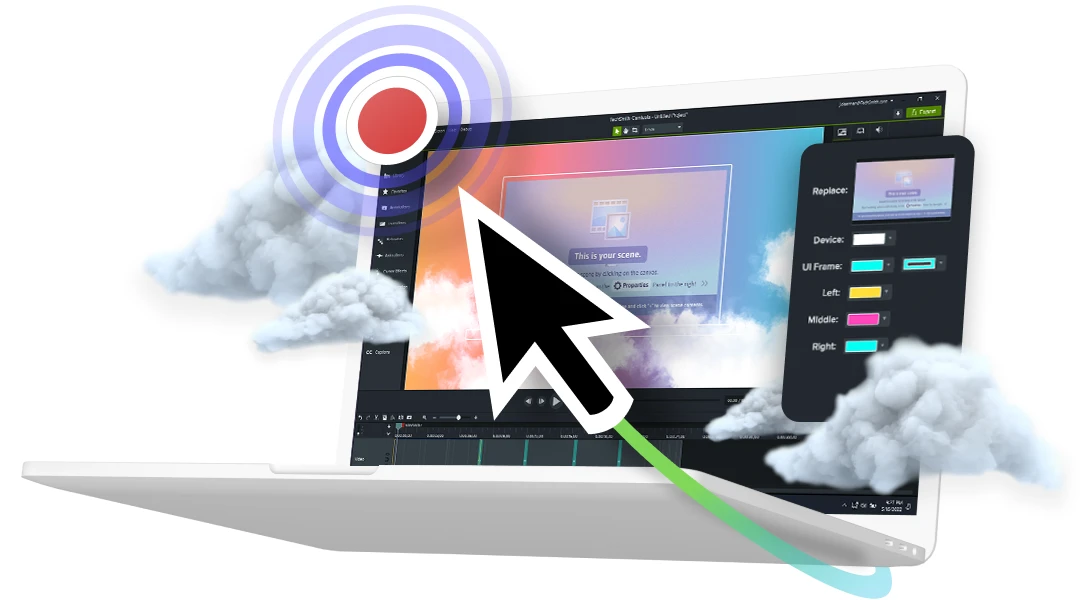
Video editing software trusted by more than 39 million creators
Make professional-quality videos quickly and easily with Camtasia. Record your screen or upload an existing video, then bring the “Wow!” with effects, music, and much more.
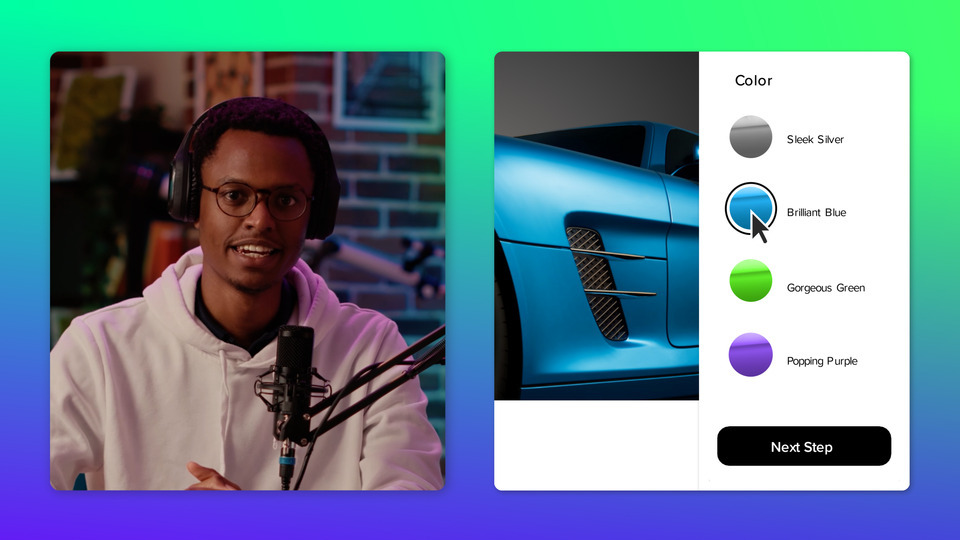
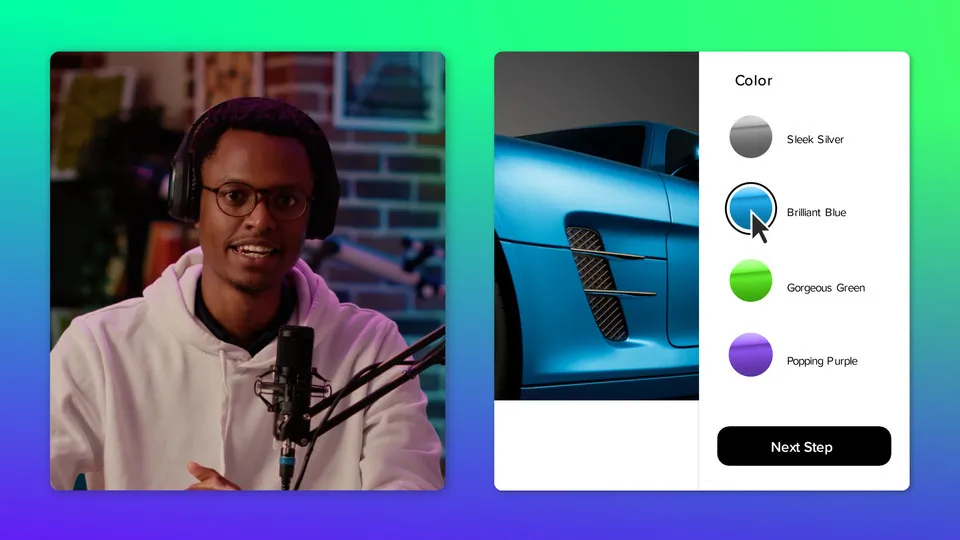
New in Camtasia 2023

Accelerate Video Creation with the New AI-Assisted Workflow in Camtasia
Video editing software that works for you
Whether you make videos for marketing and sales, internal training, customer success, virtual or in-person learning, demonstrations, social media, or pretty much anything else, Camtasia helps make your vision a reality.
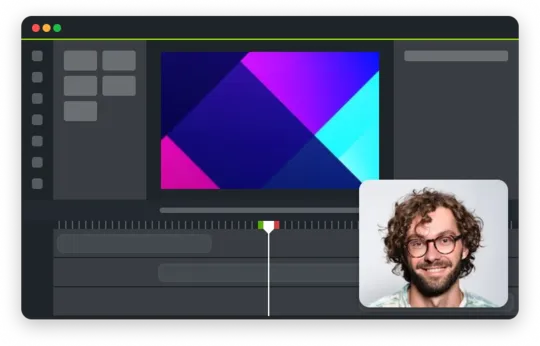
Inspire, educate, and excite your audience
We know that creating videos may seem like a daunting task, especially if you don’t have any experience. That’s why we created Camtasia – your all-in-one screen recorder and video editing software. In virtually no time, you can create awesome videos that truly connect with your audience.
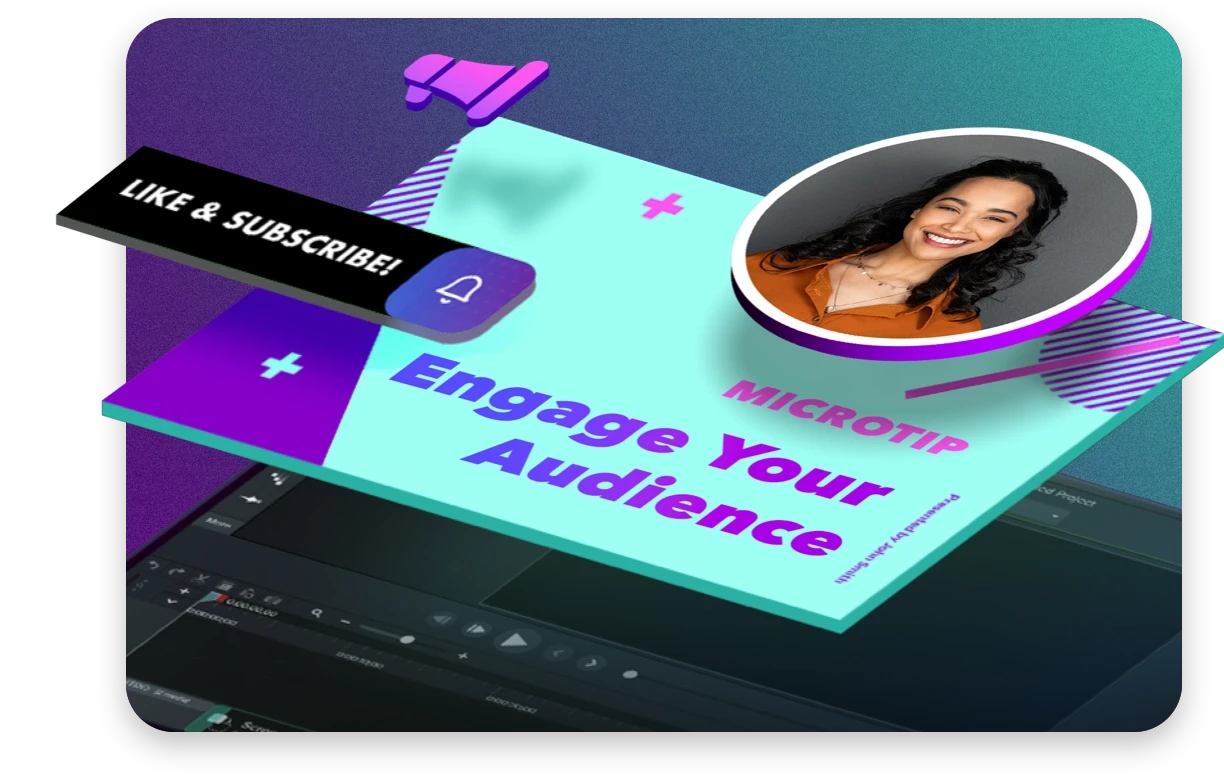
Educate
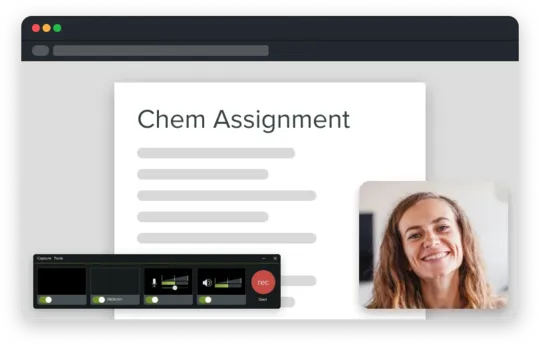
Sharing your knowledge has never been easier! Start by uploading a presentation or existing footage, then capture your screen, camera, and microphone to craft a pro-quality video that makes complex ideas simple, demonstrates a new process, trains people on a new skill, and much more.
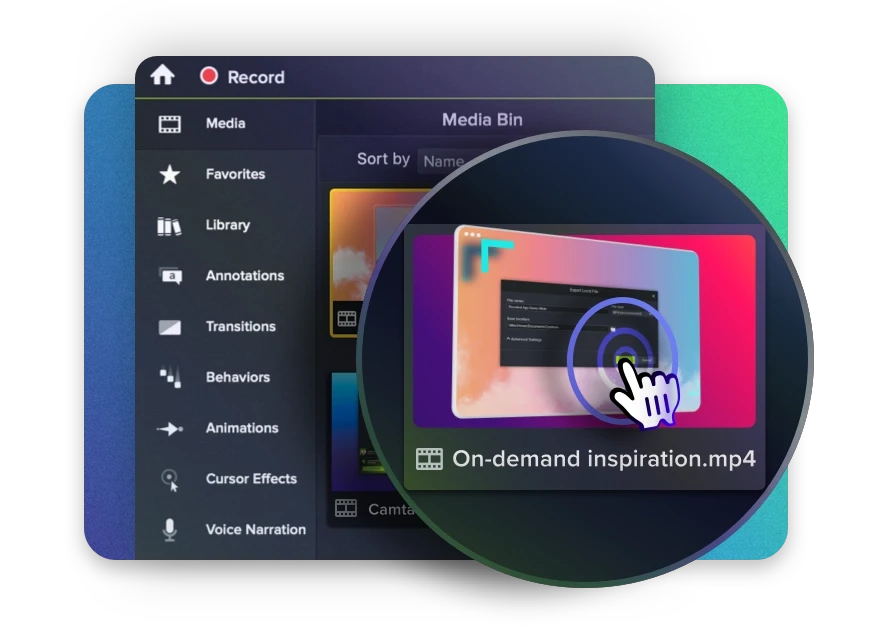
Inspire
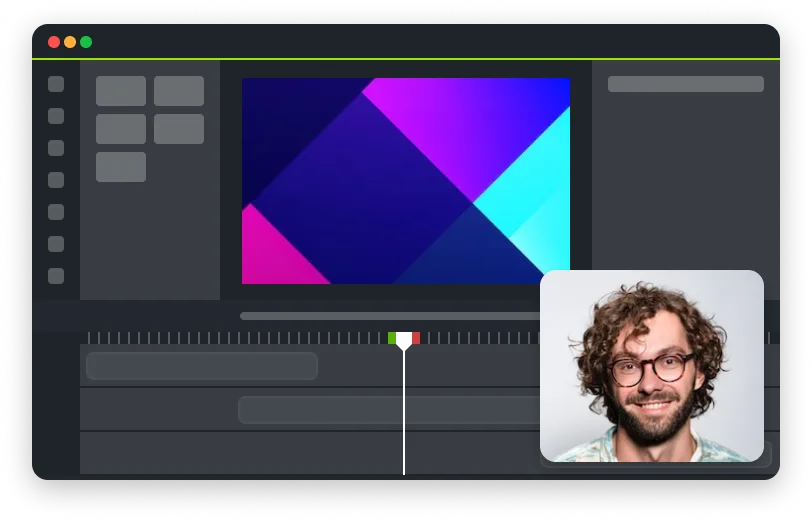
Ready to “WOW!” your audiences? Camtasia has everything you need to create and edit incredible videos in record time. Easily add pop and pizazz to your videos with effects, transitions, music, and more. Best of all, they’re incredibly easy to find, use, and customize, leaving you more time to create.
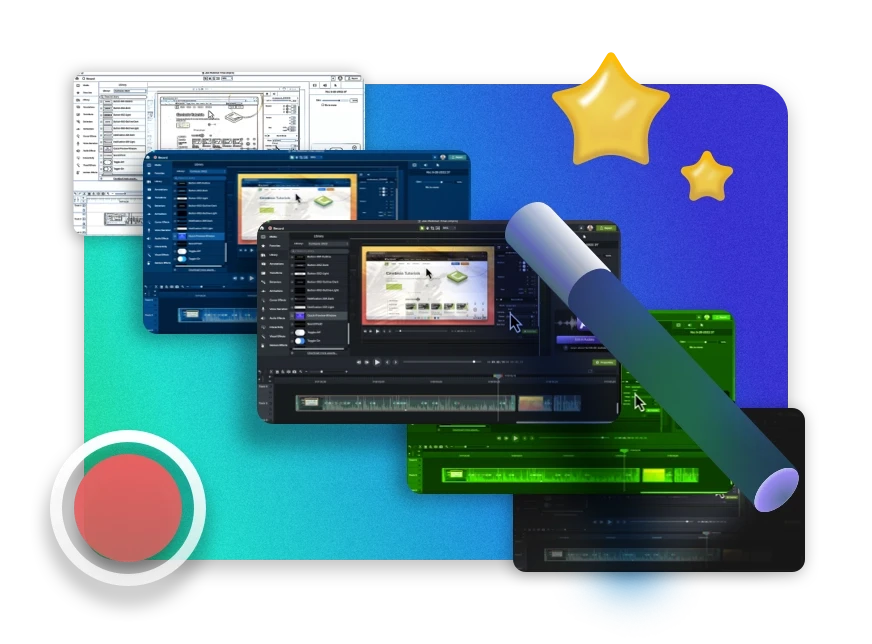
Excite
Keep your audience focused on the action with text, shapes, animations, and more. Zoom in to highlight details. Draw attention with a customized cursor. Add effects to transition ideas or just add some extra flair. The options are as limitless as your imagination!

Complete video projects up to 40% faster
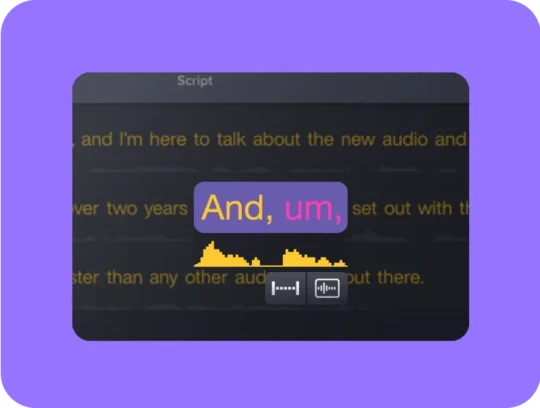
A great video starts with great audio — and great audio starts with Audiate. Edit your voice over just like text and generate captions automatically. Plus, instantly remove hesitations and all those “ums” and “uhs.” You can even edit your video as you edit your audio.
You can with Camtasia
Your video, your way. Camtasia’s intuitive interface and drag-and-drop features help anyone create professional-quality video.
Your all-in-one screen recorder and
video editing software
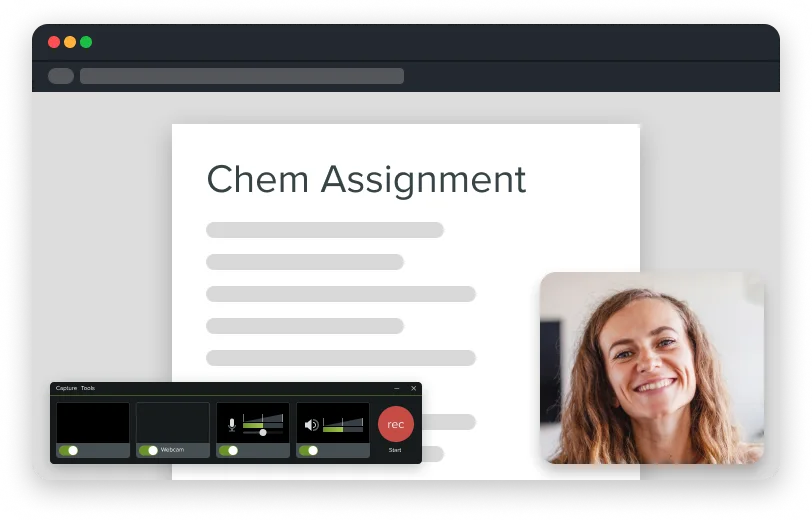
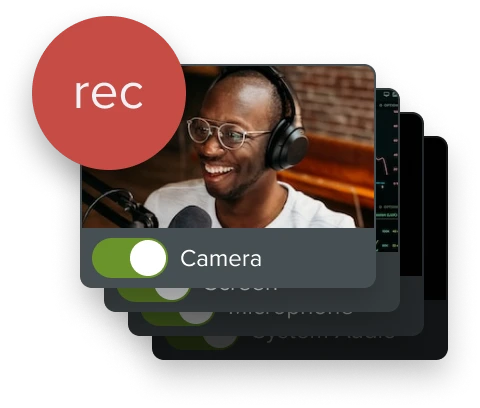
Leave boring screen recordings behind. In addition to high-resolution screen capture, Camtasia records your microphone, system audio, camera, and cursor so you can edit them separately or all at once. Your video editing will be faster and easier and the results will be incredible.


Camera
Capture your camera as you record to add personality to your videos. Position your camera video anywhere on the canvas.


Microphone
Great audio is an essential element to your video. Camtasia makes it easy to capture your microphone for crystal-clear voice over.


System Audio
Need to share the sounds generated by your software or computer? Now your viewers can hear what you hear.


Cursor Data
Your mouse cursor can help highlight important features or UX elements. Capture this data to make it easier to edit later.
Make your creative spark a wildfire
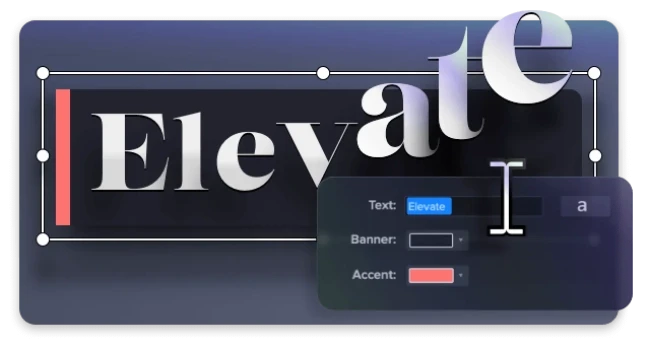
Video editing software doesn't have to be intimidating. Fortunately, Camtasia offers hundreds of templates, assets, and text effects to help kindle your creative spark. Making and editing professional looking videos has never been easier!


Templates
Go from zero to done more quickly with pre-made templates. Or, make your own and share them with your team.


Assets
Amazing video clips, music, images, and more at your fingertips — just drag and drop them to the timeline!


Behaviors
Did you know your text can dance? Camtasia’s Behaviors make it easy to animate text for that extra kick.
Put your cursor in the spotlight
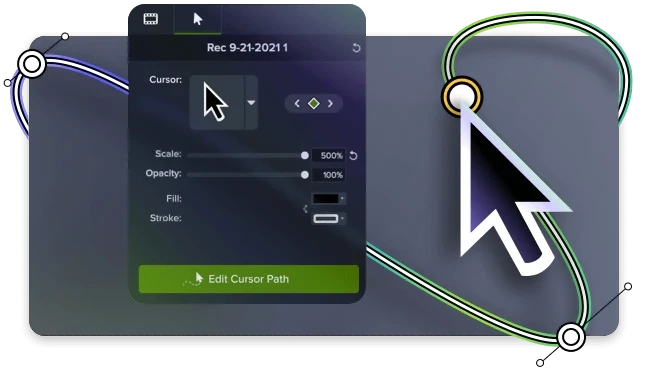
Grab your audience’s attention and guide them to what’s really important. Camtasia’s cursor effects take your videos to whole new level and ensure your audience gets the point.


Cursor Replacement
Replace your cursor or increase its size to make it stand out!


Path Smoothing
Smooth your mouse movements or create a whole new path.
Trusted by millions
“Excellent professional-level editing made easy.”
Daniel K.




FAQ
Camtasia is a powerful, but incredibly easy-to-use video editing software and screen recorder trusted by more than 35 million video creators worldwide.
Camtasia's minimum system requirements are:
- Microsoft Windows 10 (64-bit) 20H2 version or later (Recommended: Microsoft Windows 11 (64-bit) 22H2 version or later)
- Intel® 8th Gen or newer CPU – or AMD Ryzen™ 2000 Series or newer CPU (Recommended: Intel® 12th Gen or newer CPU – or AMD Ryzen™ 4000 Series or newer CPU)
- 8GB RAM minimum (Recommended: 16GB RAM or more) 2GB GPU memory (4GB or more recommended)
- 4GB of available disk space (Recommended: SSD with 4GB of available disk space)
OR
- macOS 11.0 (Recommended: macOS 13.0 or later)
- Intel® Core™ i5 Processor with 4 CPU Cores; or gen 1 M1 SoC (Recommended: 2.4 Ghz Intel® Core™ i5 Processor with 4 CPU Cores or better; gen 1 M1 Pro / Pro Max SoC)
- 8GB of RAM (Recommended: 16GB of RAM or greater)
- 4GB of available disk space (Recommended: SSD with 4GB of available disk space)
We’ve created Camtasia to be easy enough for beginners but powerful enough to be your video solution for life. Most people are able to create their first video quickly, even if they’ve never made a video before. Additionally, we offer a huge library of Camtasia tutorials and frequent webinars to help you get the most out of Camtasia no matter your level of experience with video editing software..
Yes! Camtasia offers a easy-to-use interface that makes it easy to create closed captions for video accessibility. When paired with TechSmith Audiate, Camtasia’s captioning capabilities become even easier and more powerful.
Yes! Camtasia has versions for both Windows and Mac operating systems.
Camtasia can capture and edit video up to 4K at 60 frames per second.
Camtasia offers a free trial that includes full use of the software. Any exported videos will have a watermark until the full version of Camtasia is unlocked with a perpetual or individual subscription license.
You may install your license on up to two computers for a single user.
Volume discounts are available starting at five perpetual licenses or more. The more licenses you buy, the higher the discount. Volume discounts are not available for individual subscription licenses. Find out more about volume discounts.
The individual subscription license is a non-transferable license for individual creators and it is billed annually. No software key is needed and users have access to the latest updates as they are released. The perpetual license for Camtasia is one-time paid, fully transferable license for individuals and businesses. It offers volume pricing and one year of Maintenance.
Our tech support team is ready to help you. Get started with tech support here.
We offer a huge library of Camtasia tutorials and frequent webinars to help you get the most out of Camtasia.
Use our automatic key lookup tool. If you have an individual subscription license, there is no software key. Simply sign in to Camtasia with your TechSmith Account credentials.
The Camtasia individual subscription license is $179.88 billed annually. The Camtasia perpetual license is $299.99 billed once and includes one year of Maintenance. The Camtasia perpetual license is eligible for volume discounts starting at five licenses or more.